How to Invite Users
Modified on: 2025-05-19 11:35
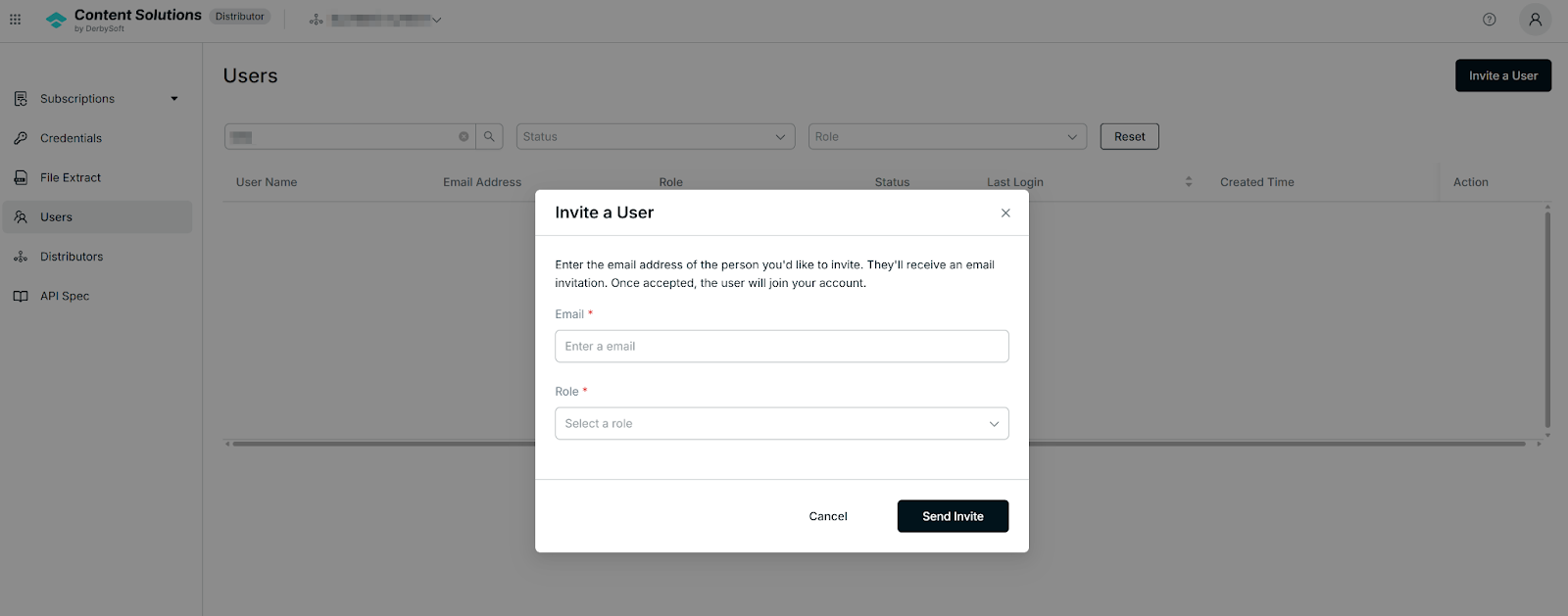
- Go to Users -> Invite a User
- Enter the user's email address
- Select a user role from the dropdown menu
- Click Send Invite and deliver the invitation
Tips:
To resend an unaccepted invitation, navigate to the Users list, locate the user, and select Re-invite in the Action column.
Related Articles:
Did you find it helpful? Yes No
Send feedbackSorry we couldn't be helpful. Help us improve this article with your feedback.