How to Create an Account
Modified on: 2025-08-25 10:14
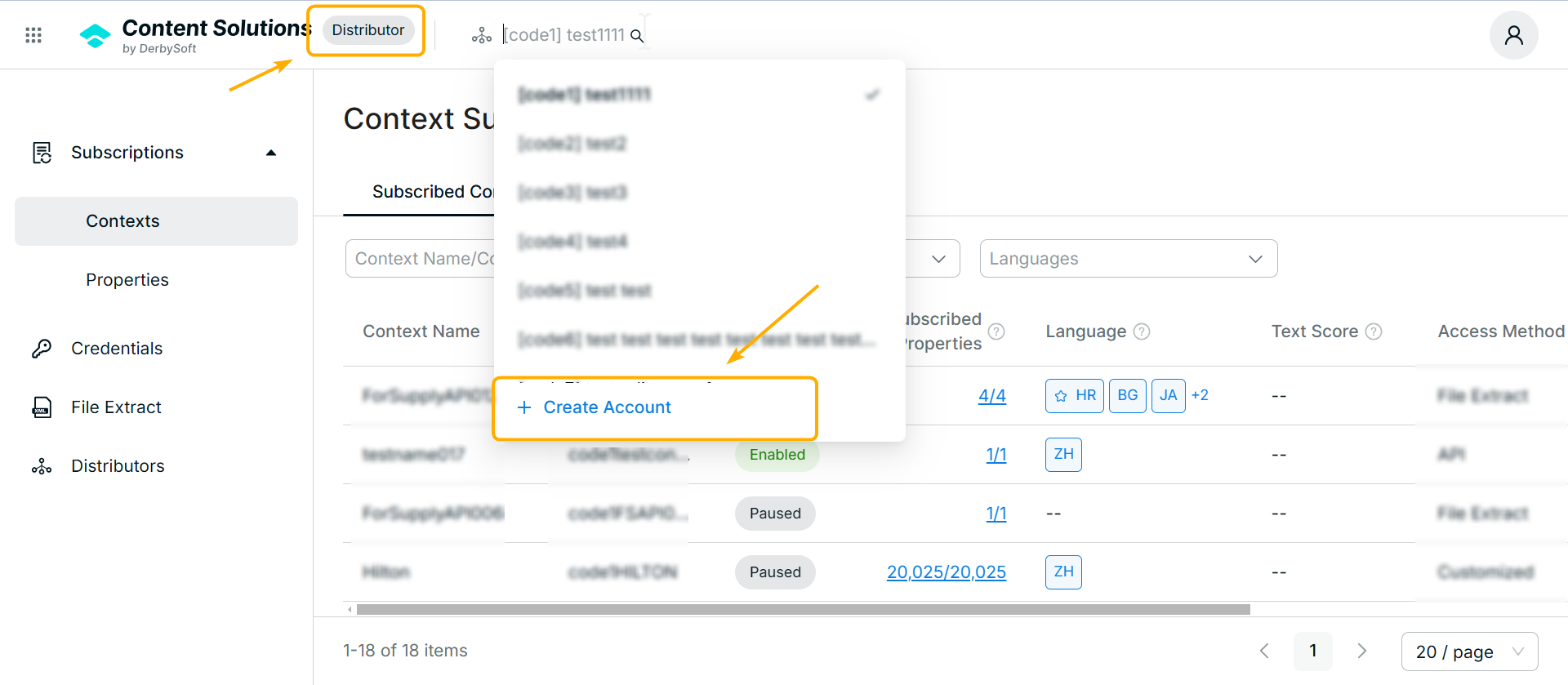
An account represents a single distributor in the system. If you work with multiple distributors, you can create multiple accounts—either directly (by the distributor) or on behalf of the distributor (by internal staff).
TABLE OF CONTENTS
Creating a Distributor Account
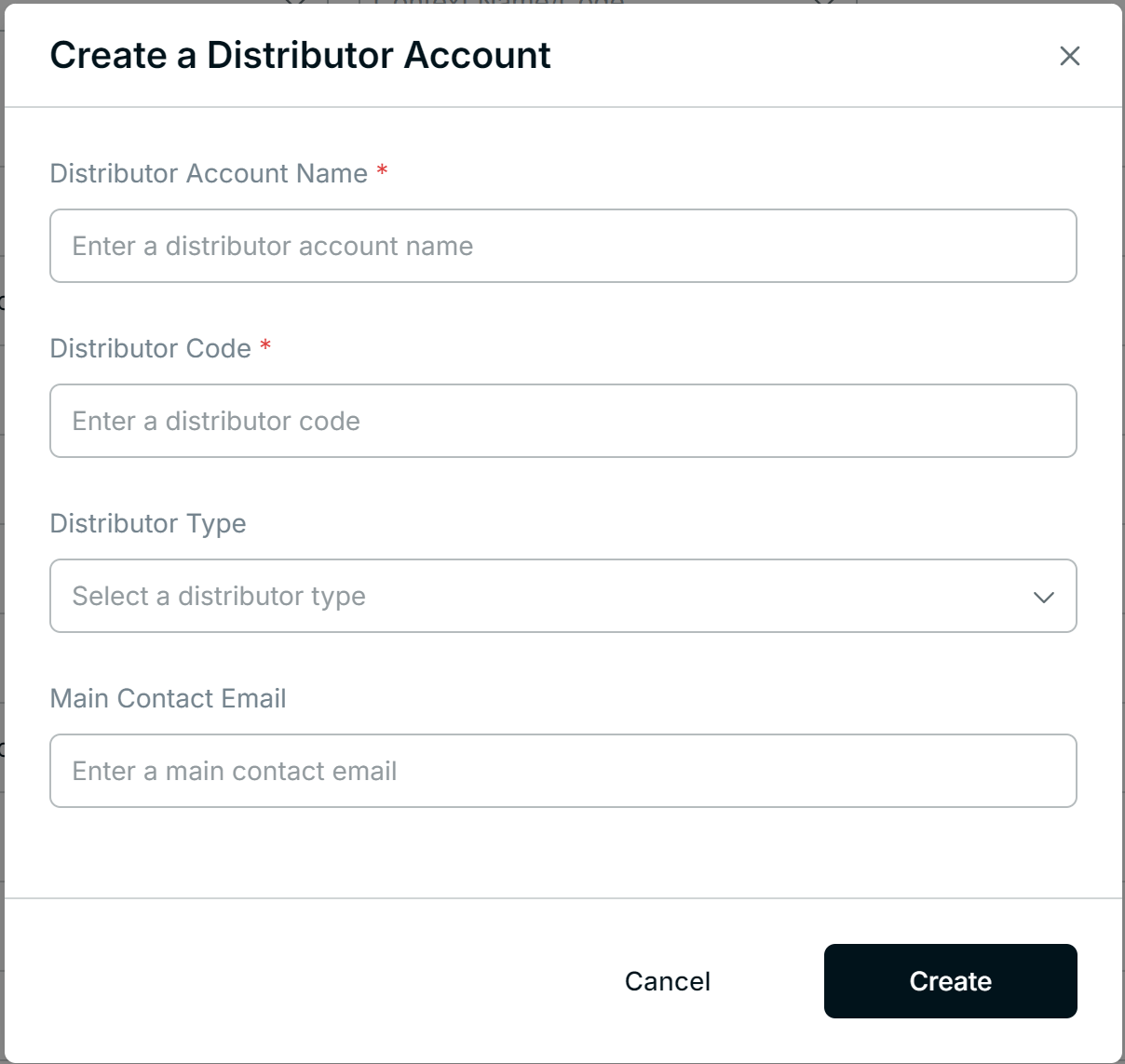
Distributor Code:
If this distributor is already connected to DerbySoft, enter the existing distributor code.
If they are new, you can contact the distributor client manager and enter a new code.
Distributor Type (Optional):
Select a category or type for this distributor. This helps with future data analysis.
Main Contact Email (Optional):
Enter the primary contact email for the distributor.
DerbySoft will send notifications and updates to this email address.
Click Create once all mandatory fields are filled out. You can manage and review all distributor accounts from the same Distributor menu at any time.
 | → |  |
Related User Guides:
Did you find it helpful? Yes No
Send feedback